Skip to product information


Coros Apex 2 Smartwatch with Nylon Band
Sale price
$474.00
Regular price
$485.00
Why should you buy the Coros Apex 2 Pro smartwatch?
Not only does it help you show off your fashion style, but the Coros Apex 2 Pro smartwatch also possesses many special features to enhance your daily experience:
- 5ATM Water Resistance Design: limits the impact on the quality of internal components when exposed to sweat.
- Clear Display Screen: allows you to view outdoors sharply and smoothly.
- Rich Integrated Features: allow users flexibility in finding utilities to support their needs.
- 30-Day Battery Life: optimizes usage performance with just one charge.
Coros Apex 2 Pro Watch - Accurate GPS Positioning
The Coros Apex 2 Pro watch is a full-featured GPS watch with an easy-to-use interface. You can use the watch with many health monitoring and protection utilities. See the description below to better understand the Apex 2 Pro watch.
Sharp Standard Display, Accurate GPS Positioning
The Coros Apex 2 Pro is integrated with a high-resolution display. Users can easily read parameters and instructions in all lighting conditions.
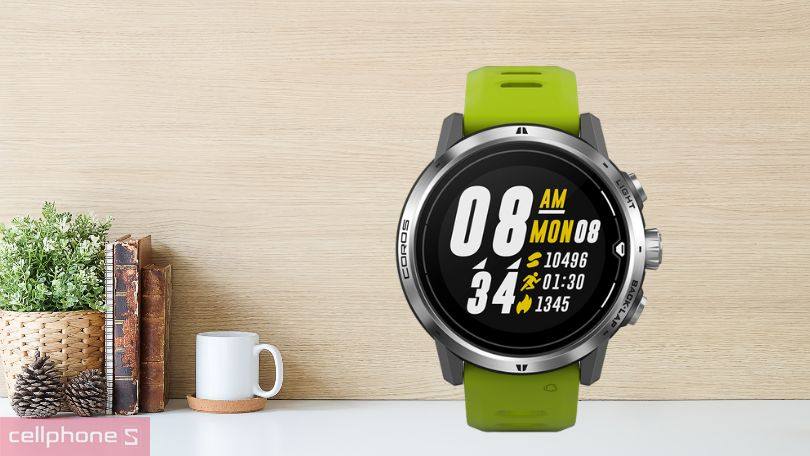
The Coros Apex 2 Pro watch helps accurately measure the user's GPS position. This feature allows users to send out distress signals in case of accidents, injuries, or dangers during their journey.
Impressive Battery Life, Daily Health Monitoring
The Apex 2 Pro watch is integrated with a large battery with good lifespan, providing long-lasting power. You can experience the watch's features throughout multi-day journeys without worrying about sudden battery depletion.

The Coros Apex 2 Pro integrates many features such as heart rate measurement, barometric altimeter, user temperature measurement,... This allows you to monitor your health daily and receive advice on useful exercises.
Coros Apex 2 Pro Smartwatch User Guide
To ensure operational effectiveness, you can follow some instructions below during the use of the Coros Apex 2 Pro smartwatch.
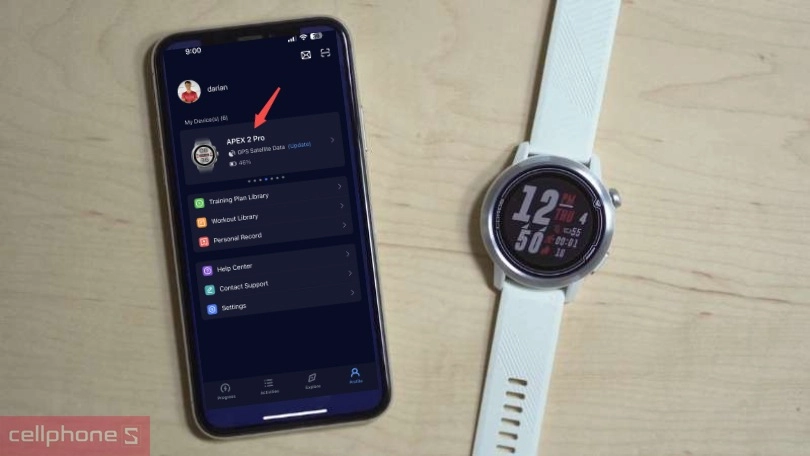
How to Link Coros Apex 2 Pro Smartwatch with the Coros App
Through the following steps, users can easily manage and control many modes right on their mobile device:
Step 1: Install the Coros app on your phone and access the app.
Step 2: Tap the watch icon or Equipment/Gear page, then select Add Devices on the watch.
Step 3: Scan the QR code provided by the smartwatch and wait for the system to connect to the device.
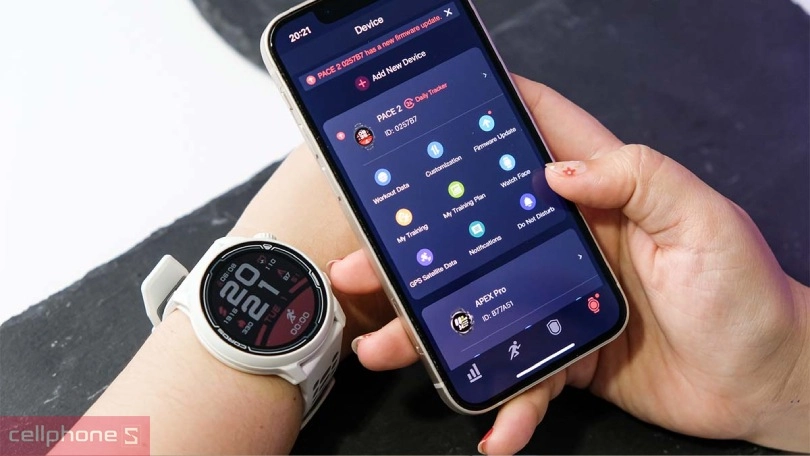
Coros Apex 2 Pro Smartwatch Software Update Guide
To get new and more complete features, you need to regularly update to the new version provided by the manufacturer. First, users must check for software versions by selecting “Firmware Update”. If the application displays a new update version, you just need to tap it and wait for the system to complete the process.