Skip to product information


Garmin Lily 2 Silicone Smartwatch
Sale price
$238.00
Regular price
$265.00
Why should you buy the Garmin Lily 2 Silicone Strap smartwatch?
Featuring many fresh upgrades, the Garmin Lily 2 Silicone smartwatch is a worthy, classy fashion accessory for women to experience:
- Elegant, feminine design: The watch face has a display size of 25.4 mm x 21.3mm, suitable for most women's wrists. The watch face is decorated with delicate floral patterns, offering an elegant and feminine beauty.
- Soft strap: The strap fits the wrist softly, providing comfortable wear all day long. The strap is available in many colors for women to choose from freely.
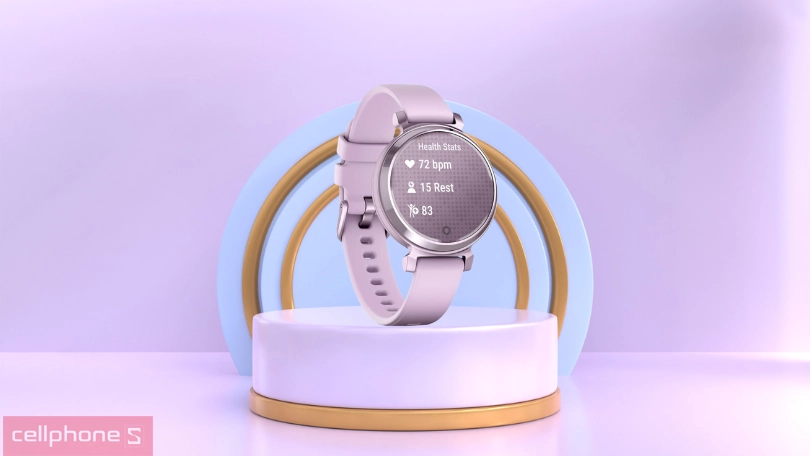
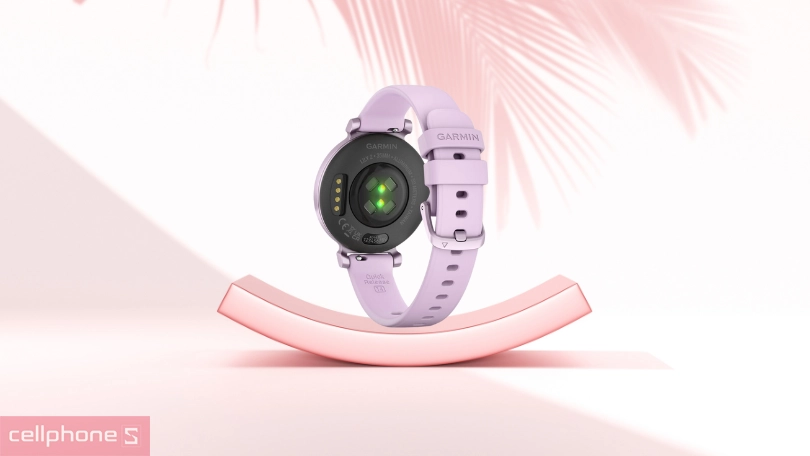
- Many health tracking features: The "sleep score" feature helps users monitor sleep quality. Heart rate monitoring, menstrual cycle tracking, and many other smart features are included.
- Supports sports training anytime, anywhere: The watch has many sports training modes and supports various activities.
Garmin Lily 2 Silicone Smartwatch – Compact, Refined, and Convenient
The Garmin Lily 2 Silicone smartwatch will surely satisfy women with its compact, elegant design and many useful features. Along with this are exceptional health tracking features, helping users easily manage and take care of their health.
Youthful, Modern Style, Comfortable Strap
The design of the Garmin Lily 2 Silicone smartwatch is highly rated for its compactness, elegance, and refinement. The watch has a face size of only 25.4 mm x 21.3mm, suitable for women's wrists. The watch bezel is gently rounded, creating a comfortable feeling when worn. The Corning Gorilla Glass 3 reinforced crystal protects the watch from scratches and strong impacts.
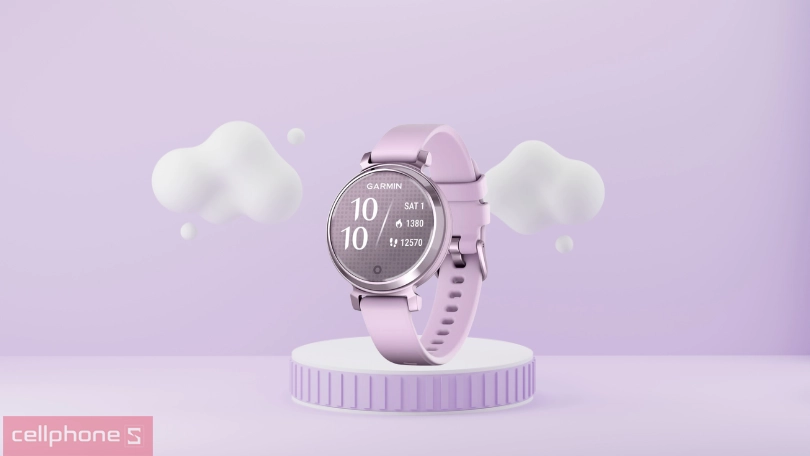
The Garmin Lily 2 strap is made from soft, smooth silicone, giving women a comfortable wearing experience all day long. The strap is available in various colors and sizes, making it easy for users to choose a strap model that suits their preferences and style. The silicone strap of the Garmin Lily 2 is highly durable, water and sweat resistant, allowing users to comfortably wear the watch during any activity.
Diverse Sports Workouts and Continuous Health Monitoring
The Garmin Lily 2 Silicone smartwatch supports tracking many sports activities, including running, walking, cycling, swimming, yoga, pilates,... The watch provides detailed tracking data, including workout time, distance, pace, heart rate,... The watch also features automatic activity detection, allowing users to start or stop a workout without manual operation.
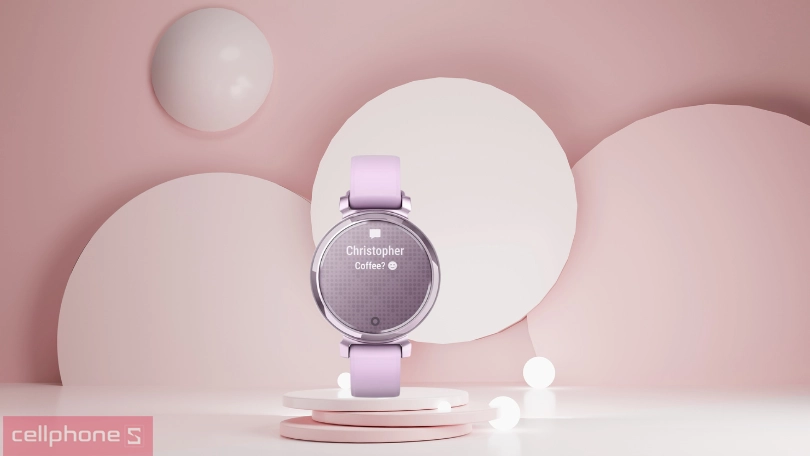
Garmin Lily 2 is also equipped with many outstanding health tracking features such as heart rate monitoring, sleep tracking, and menstrual cycle tracking. Additionally, the device is equipped with features to track other sports.
Battery Life Up to 5 Days, Fast Charging in a Short Time
The battery life of the Garmin Lily 2 is highly rated, capable of continuous use for 5 days in normal mode. In continuous sports activity tracking mode, the battery life of the Garmin Lily 2 is reduced to 2 days. However, this is still an impressive battery life, sufficient for users to wear the watch to track sports activities for many days.
Furthermore, the Garmin Lily 2 Silicone smartwatch is equipped with fast charging capability. Users can wear the watch during the day and fully charge the battery overnight without worrying about interruptions.
Guide to Connecting to the Garmin Lily 2 Silicone Smartwatch
To connect the Garmin Lily 2 Silicone smartwatch to your smartphone, you need to download and install the Garmin Connect application on your phone. Once the application is installed, open the app and follow the on-screen instructions to connect the watch.
- Step 1: Go to the App Store or Google Play and download the Garmin Connect app. Once the app is downloaded, open the application.
- Step 2: Open the Garmin Connect app and log in with your Garmin account. If you don't have a Garmin account, create a new one.

- Step 3: Tap the "Add Device" button. Select "Watch" from the list of device types.
- Step 4: Select "Garmin Lily Silicone" from the list of devices to pair. Follow the on-screen instructions to set up the connection between the watch and the phone.
- Step 5: Once the connection is established, you will see the name of your watch appear in the device list. Tap on the name of your watch to view information about the watch.